Performance optimization for complex WordPress systems
I diagnose and fix WordPress and WooCommerce speed issues across templates, assets, PHP, database queries, caching, and hosting.
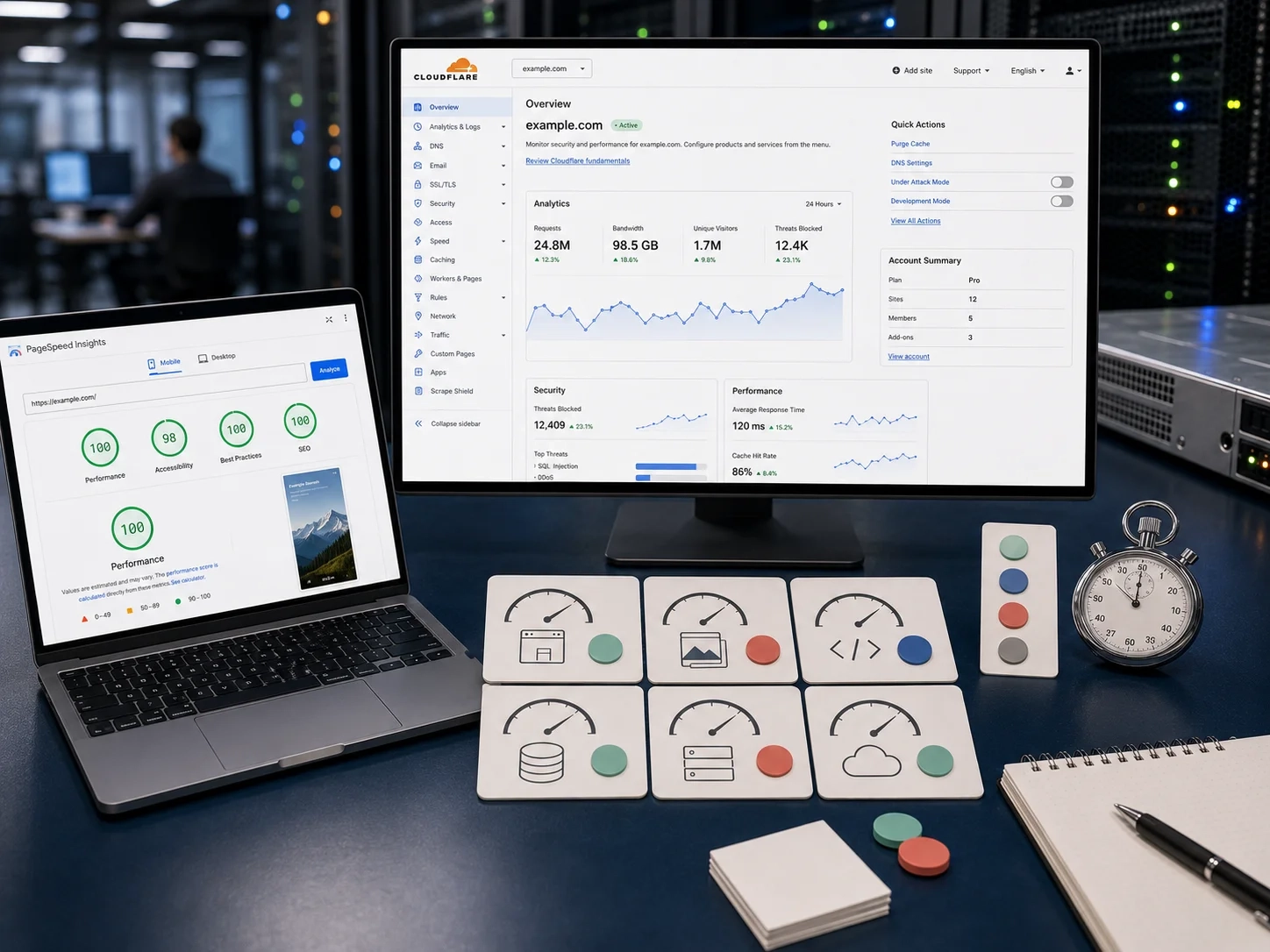
Performance problems I solve
I improve speed and stability where users, admins, and search engines feel it first — then fix causes across templates, assets, PHP, database queries, caching, hosting, and WooCommerce load.
Results

When this work makes sense
For teams whose WordPress or WooCommerce sites feel slow in the browser, heavy in the admin, or unstable as traffic and catalog size grow.
| Current issue | What I can fix |
|---|---|
| Your templates are slow, Core Web Vitals are weak, or front-end assets are too heavy. | I speed up the templates, images, and scripts behind your slowest pages and improve the Core Web Vitals that search engines and users feel first. |
| Your caching and hosting setup does not match how the site actually runs. | I tune caching and hosting configuration to match real traffic patterns, WooCommerce load, and admin usage — not a generic one-size setup. |
| Slowdowns come from PHP, database queries, plugins, or infrastructure — not just the front end. | I find and fix PHP, database, and plugin bottlenecks in the application layer so the site stays fast as content, traffic, and orders grow. |
Best fit
Teams managing sites that feel slow, unstable, or expensive to maintain
WooCommerce teams losing efficiency under heavier traffic or catalog growth
Teams that need a developer across code and infrastructure
My approach
Measure front-end, application, database, and hosting bottlenecks on real pages.
Separate quick wins from deeper code, plugin, caching, or hosting issues.
Fix highest-impact issues for users, search visibility, and revenue pages first.
Ship measurable improvements without fragile one-off tweaks.

FAQs
What usually makes a WordPress or WooCommerce site slow?
Heavy themes, too many scripts, unoptimized images, plugin overhead, weak caching, slow database queries, and hosting that does not match usage. I measure first to target real bottlenecks.
Can performance work improve Core Web Vitals?
Yes, when bottlenecks affect loading, rendering, interaction, or layout stability. I focus on assets, images, templates, caching, server response, and application logic on key pages.
Is caching enough to fix performance problems?
Caching helps but can hide deeper problems. Durable work also looks at theme code, plugins, database queries, WooCommerce load, hosting, and the templates users actually visit.
Can you help an in-house team identify the real bottlenecks?
Yes. I measure front-end, PHP, database, caching, hosting, and WooCommerce bottlenecks first, then separate quick wins from deeper issues.